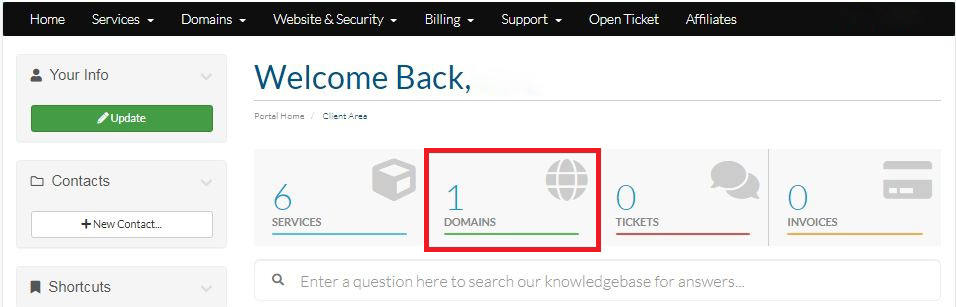
Step-1:
Login to your Hosting Walay client portal and click on the DOMAINS option as displayed by the red box below.
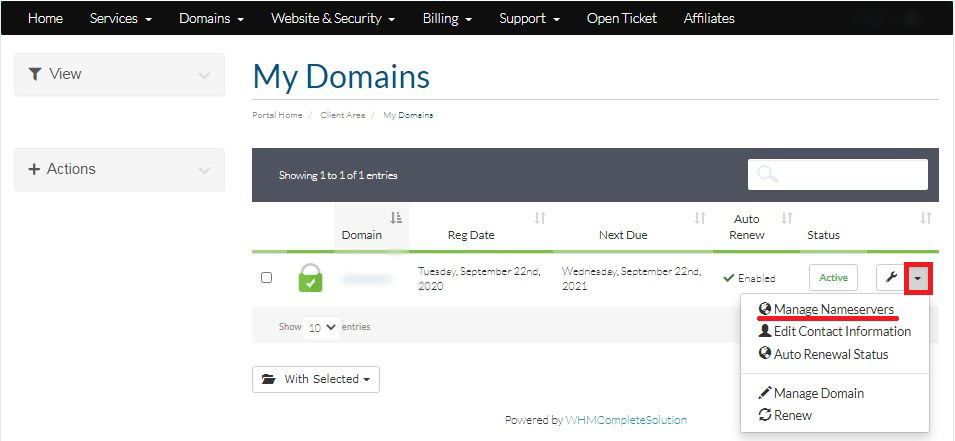
Step-2:
Click on the arrow located on the right corner of the domain which you want to change the nameserver. Then select Manage Nameservers from the list.
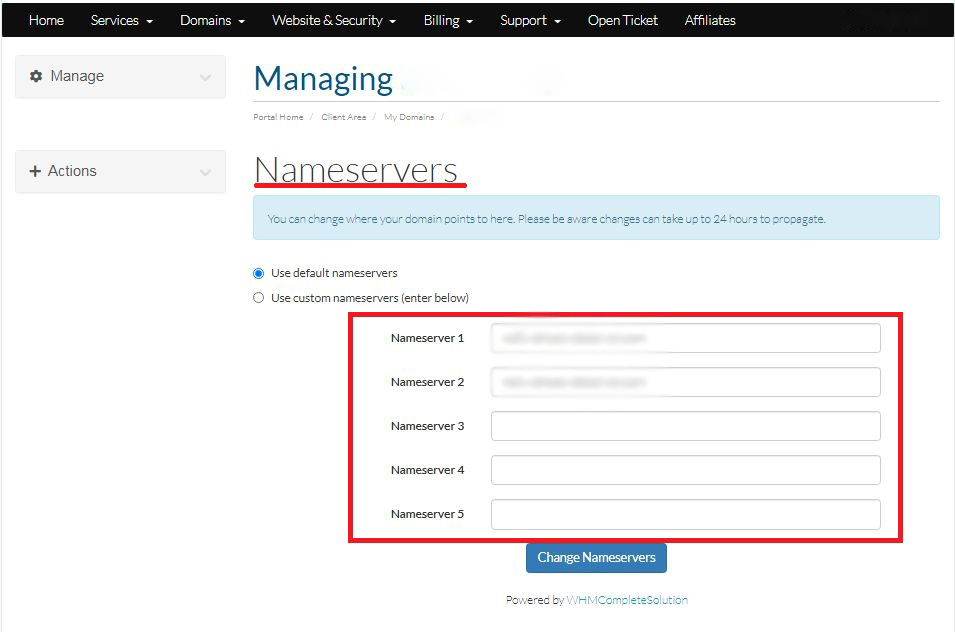
Step-3:
Now you can can your desire nameservers.